
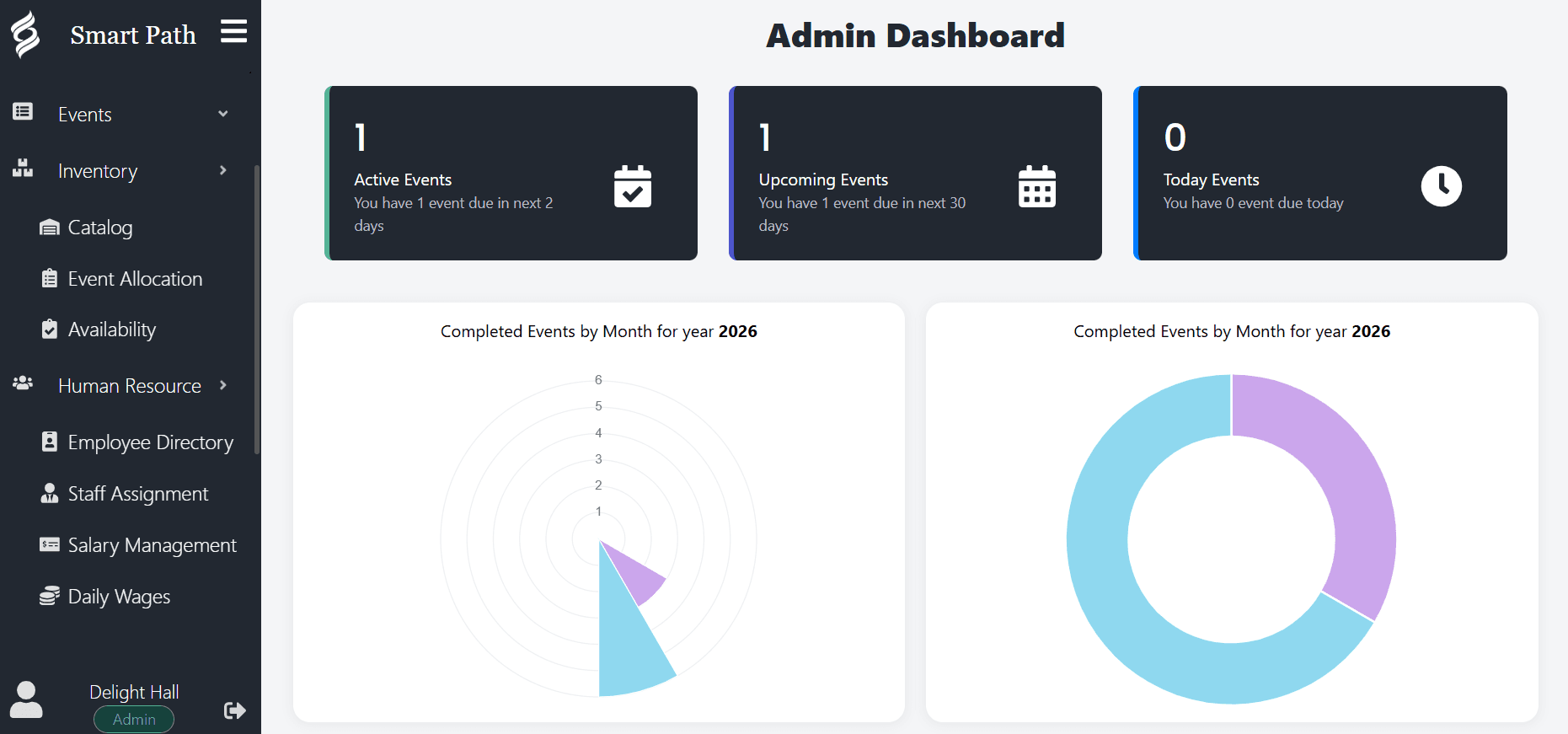
The morning reconstruction problem
In most venues the first half hour of the day is spent rebuilding a picture that existed yesterday. Open the calendar to see what is on. Open the inbox to see what changed overnight. Open the spreadsheet to check who has paid. Ask the coordinator whether the Thompson party confirmed their final count.
None of that is work. It is the overhead of having information in four places. It happens every single morning, it happens again every time someone new comes on shift, and it is the reason small operational details get missed even in well-run venues.
A dashboard is not a new capability. It is the removal of that overhead. The information already exists; the dashboard simply assembles it once, automatically, so the team can start the day at the point they used to reach at nine thirty.
What belongs on a venue dashboard
Dashboards fail when they are designed to look impressive rather than to be used. The test for any element is simple: does a venue operator act on this within the next few days? If not, it belongs in a report, not on the home screen.
| What it shows | The decision it drives |
|---|---|
| Today's events with timings and spaces | Staffing, setup order and who needs to be where this morning. |
| Upcoming events in the next weeks | Whether the week ahead is staffed and whether details are still missing. |
| Active tentative holds | Which prospects need a follow-up call before their hold expires. |
| Outstanding balances and deposit due dates | Who to invoice or chase today, while there is still time. |
| Scheduling conflicts and tight turnarounds | Whether an operational problem needs solving before it reaches a client. |
| Event counts by period | Whether the season is tracking ahead or behind, and when to push marketing. |
Different roles, different first glance
An owner, a coordinator and a front-desk staff member look at the same dashboard and read different things off it, which is exactly as it should be.
The owner is reading the shape of the business. How many events are on the books for the next quarter, how much is outstanding, whether bookings are pacing ahead of last year. Those questions used to require someone to build a report, which meant they were asked quarterly rather than weekly.
The coordinator is reading the work. Which events are this week, which are missing final guest counts, which client has not returned their menu selections. The dashboard turns a vague sense of being behind into a specific list of things to do.
The front-desk staff member is reading the day. What is on, in which room, at what time, so they can answer a question from someone standing in front of them without walking to the back office.
From dashboard to detail in one click
A dashboard is a starting point, not a destination. Its job is to tell you where to look, then get out of the way.
Every item on the Smart Path dashboard opens the underlying record. A flagged balance opens the booking that owes it. An event in the today list opens its full detail: timings, guest count, menu selections, setup notes, contact details and payment history. A conflict warning opens the two events that collide.
That directness is the whole point. The alternative, where a dashboard reports a problem and you then go hunting for it in a different screen, produces dashboards that people stop reading.