
The retyping tax
Look closely at a venue’s week and you will find the same information being typed more than once. The guest count is in the booking, then typed into an email to the caterer. The timings are in the booking, then typed into a run sheet. The revenue is in the booking, then typed into a spreadsheet for the accountant.
Each retyping is a small amount of work and a real chance of error. The version that reaches the kitchen says 140 guests while the booking says 145. Nobody notices until service. This is not carelessness; it is the arithmetic of transcription, and the only reliable fix is to stop transcribing.
Exports exist to remove that step. The caterer gets a sheet generated from the booking. The accountant gets a spreadsheet generated from the bookings. There is one source, and every document derives from it.
Three audiences, three formats
Reporting fails when a system offers one export and expects everyone to live with it. The three audiences around a venue booking want genuinely different things.
| Audience | What they need | Format |
|---|---|---|
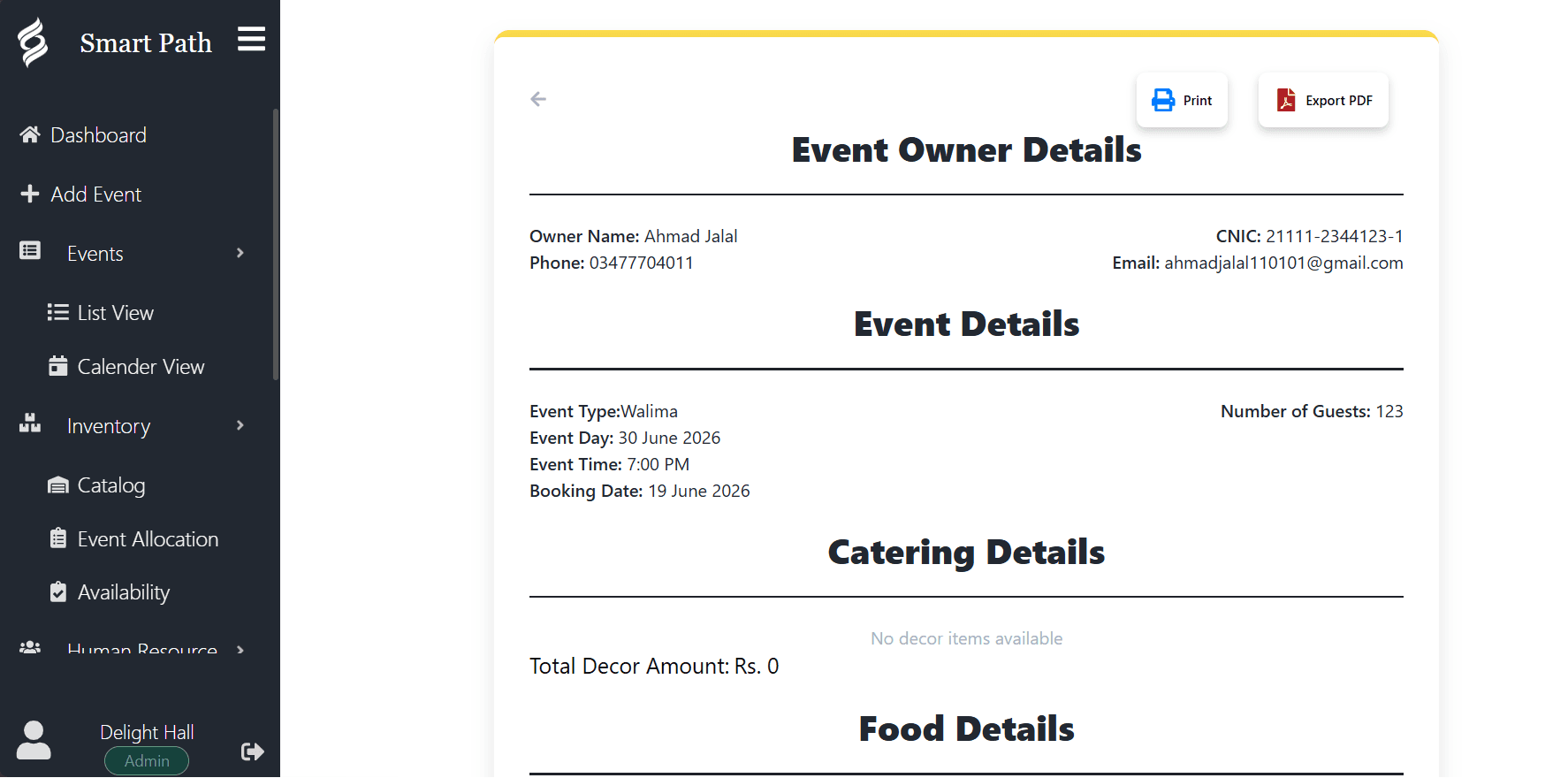
| Operations and front of house | One event in full: timings, spaces, setup notes, guest count, contacts. Usually printed and carried. | Single-event PDF |
| Kitchen and catering partners | Guest count, menu selections, dietary notes and service times. Accuracy matters more than presentation. | Single-event PDF |
| Finance and ownership | Many events at once with revenue, deposits and outstanding balances, sortable and filterable. | Excel export over a date range |
What a good event sheet contains
The printed event sheet is the document your team actually runs the day from. It gets carried around, marked up and referred to under pressure, which sets a high bar for what it must contain and how it must read.
- Event name, date, and the specific spaces in use.
- Full timeline: setup, vendor arrivals, guest arrival, service times, end and teardown.
- Final guest count, with a note of when it was confirmed.
- Menu selections and any dietary requirements recorded against the booking.
- Client contact and day-of contact, which are often different people.
- Setup and layout notes agreed during planning.
- Payment status, so nobody hands over a room with an unpaid balance unknowingly.
If your team is still writing the run sheet by hand from the booking, the booking system has not finished its job.
Exports as your exit route
There is an argument for export functionality that has nothing to do with daily convenience, and venue operators should weigh it before choosing any system.
Your booking history is a genuine business asset. It tells you which months sell, what your average event value is, and who your repeat clients are. A system that cannot export that history in a standard format is holding it hostage, and you will only discover this at the exact moment you want to leave.
Smart Path exports to PDF and Excel as a matter of course. That is partly a convenience feature and partly a statement about who owns the data. It is yours, and it can leave with you.