
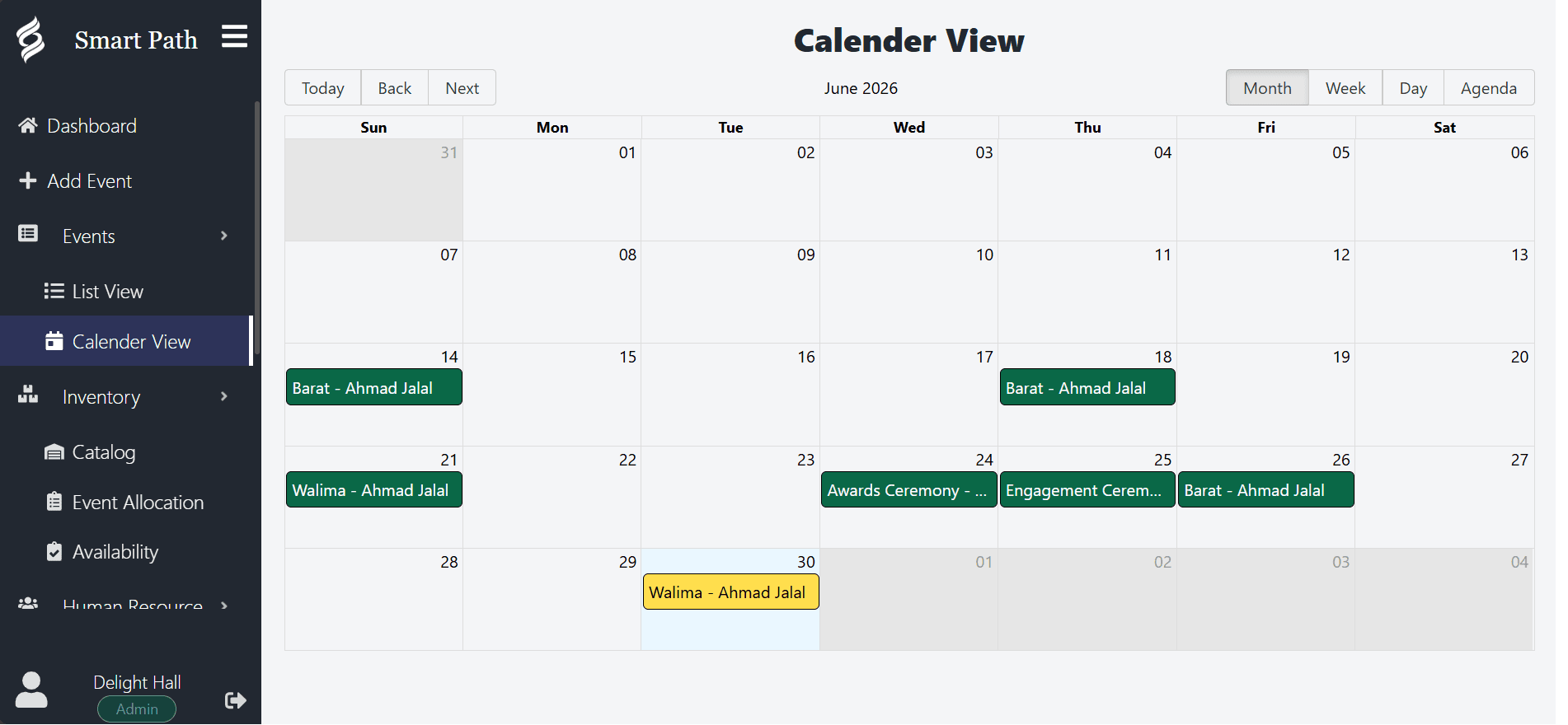
The problem banquet halls have that wedding venues do not
A single-space wedding venue has one question to answer: is this date free. A banquet hall with four function rooms and three events a day has a much harder question, because availability is no longer a property of the date.
Rooms interact. A grand ballroom that divides into two halves cannot be sold whole and in halves on the same evening. A foyer used for a cocktail reception is unavailable to the event in the adjoining room. A kitchen that can plate 300 covers cannot plate 300 covers twice at seven o’clock.
These constraints are obvious to your team and completely invisible to a calendar that treats each room as an independent line. That is why banquet halls running on generic tools end up with a manager who is personally the conflict-detection system, and why everything becomes fragile the week that manager takes leave.
Turnaround time is the number that decides your capacity
Ask a banquet hall how many events it can run in a day and the honest answer is a function of turnaround, not of room count. A room that takes four hours to strike, clean and reset can host two events in a day. A room that takes ninety minutes can host three.
Most scheduling tools have no concept of this. They record the client-facing hours, which are the hours the guests are present, and treat everything else as free time. The result is a calendar that cheerfully shows a room as available at a moment when it is full of stacked chairs and half-cleared tables.
Smart Path lets you attach setup and teardown windows to events and spaces, and counts that time as genuinely occupied when checking conflicts. This does two things. It stops you selling a slot you cannot service, and it shows you truthfully how full your rooms actually run, which is the number you need before deciding whether to add capacity.
Your capacity is not the number of rooms you have. It is the number of rooms you can reset in time.
Getting accurate counts to the kitchen
The single most expensive recurring error in banquet operations is a guest count that reached the kitchen wrong. Over-order and you have wasted food and labour. Under-order and you have an event in crisis.
Almost every occurrence traces back to the same cause: the number was typed somewhere twice. It was on the booking, and then someone typed it into an email, a spreadsheet or a printed sheet. Between the two, a digit changed, or a late update reached one copy and not the other.
The fix is not more care. It is removing the second copy. When the kitchen sheet is generated from the booking, the number in the kitchen is by definition the number on the booking. If the client updates their count on Tuesday, the sheet regenerated on Wednesday carries the update.
- Record the guest count on the booking, with the date it was last confirmed.
- Record menu selections and dietary requirements on the same record.
- Generate the kitchen sheet rather than composing it.
- Regenerate after any change instead of amending a copy.
Banquet event orders without the retyping
The banquet event order is the operational contract for a function. It states what is happening, where, at what times, for how many people, with what food, at what price, and it is the document every department works from.
In venues running on spreadsheets, the BEO is assembled by hand from several sources. It takes twenty to forty minutes per event, it is done under time pressure, and it is the single most error-prone document in the operation precisely because it is transcribed rather than derived.
Smart Path generates the event sheet from the booking, which means producing it takes seconds and reproducing it after a change takes seconds again. That second property matters more than the first: the reason BEOs go stale is that regenerating them is expensive, so people amend the printed copy instead.
Reading your season honestly
Banquet halls make capacity decisions on instinct more often than on data, usually because getting the data requires someone to spend a day in a spreadsheet.
Exporting a date range gives you the actual picture: how many events ran, in which rooms, at what value, and how much of your theoretical capacity you used. That number is almost always different from the felt experience, and it is usually the deciding input for whether to invest in another space, extend hours, or push harder on midweek bookings.